Your ISP can see more than most people realize
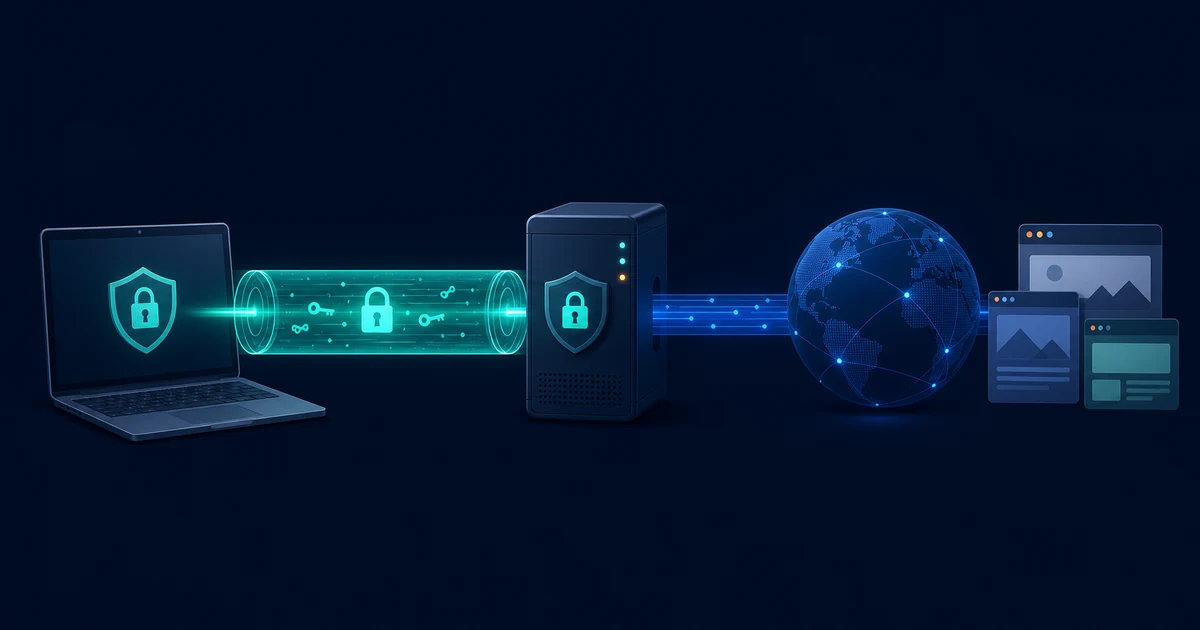
Your internet service provider can observe the websites you visit, the services you connect to, and the timing of your traffic. Even when a website uses HTTPS, your network path can still reveal useful metadata such as destination domains and connection patterns.
A VPN helps by encrypting traffic between your device and the VPN server. That tunnel reduces what local networks, public WiFi operators, and internet providers can learn from your connection.
Public networks raise the risk
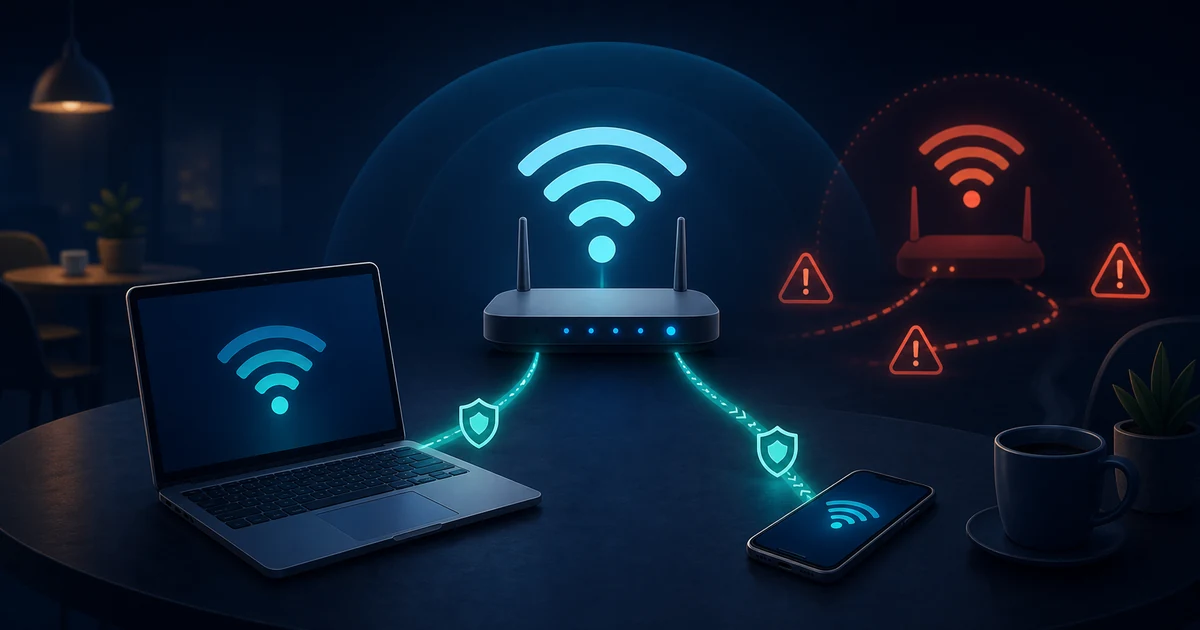
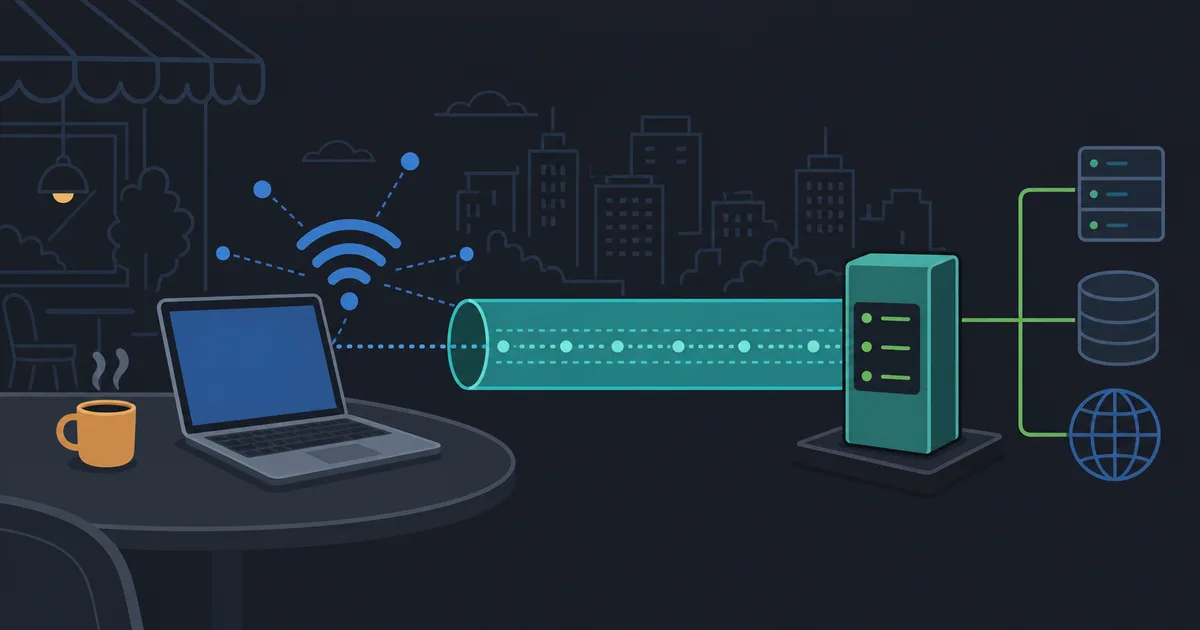
Coffee shops, hotels, airports, and shared workspaces are convenient, but they also put your device on networks you do not control. Attackers on hostile or poorly configured networks may try to intercept traffic, spoof network services, or push users toward unsafe portals.
Using a VPN on public WiFi gives your traffic a consistent encrypted path before it leaves the local network.
Privacy depends on the provider
A VPN is not magic. The provider design matters. Look for clear policies, transparent client software, established protocols, and minimal collection of account or connection data.
LibreGuard focuses on simple encrypted access, public client repositories, and clear Free and Pro plan rules so users can understand the service they are relying on.
Practical VPN habits
- Turn on the VPN before joining public WiFi.
- Keep your operating system and browser updated.
- Prefer HTTPS websites and modern apps.
- Avoid providers that make vague or unrealistic privacy claims.
- Review privacy policies before trusting a service with sensitive traffic.
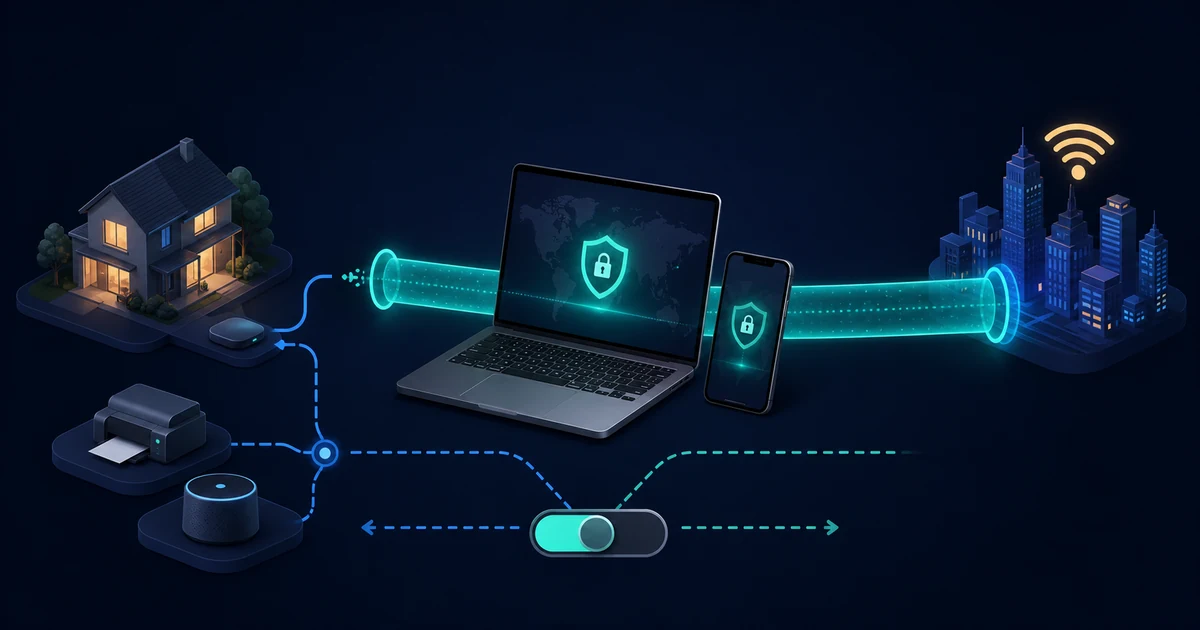
VPN security matters because everyday networks are not always trustworthy. A well-designed VPN gives you a safer default connection, especially when you move between home, work, mobile, and public networks.