The short answer
Public Wi-Fi is not automatically dangerous, but it is a network you usually do not control. A malicious hotspot, a poorly secured router, an untrusted captive portal, or an exposed device can create opportunities for interception, phishing, or unwanted local access.
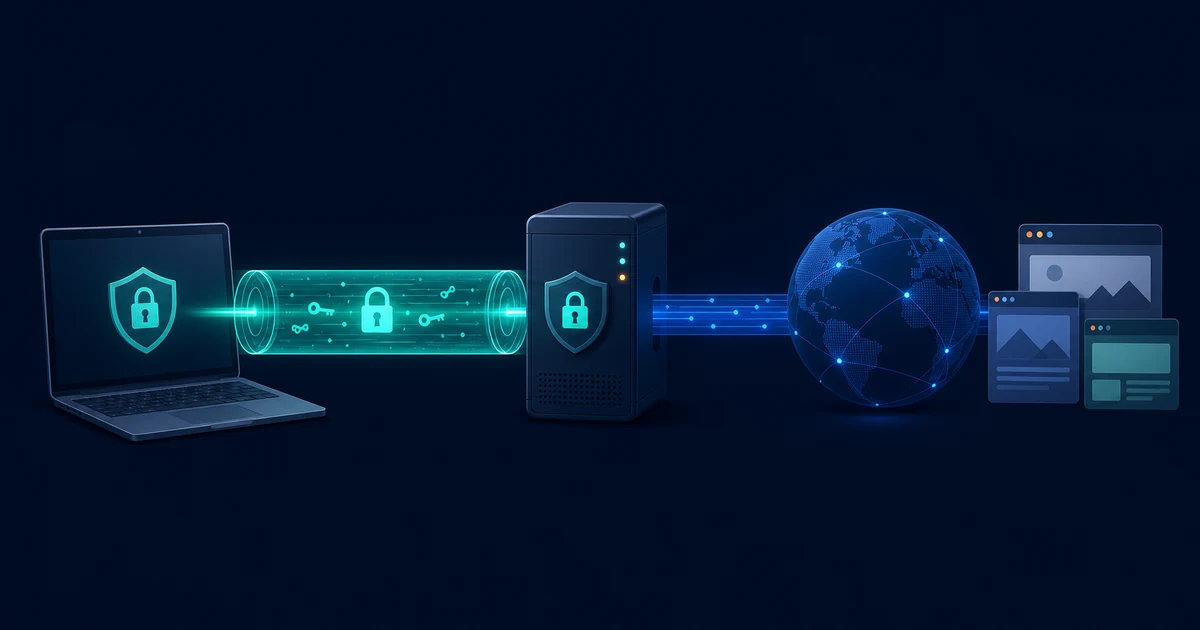
Modern HTTPS protects the contents of properly secured web connections, and a VPN can add an encrypted tunnel between your device and a VPN server. Neither one replaces software updates, careful account security, or checking what you are being asked to install or enter.
Why the network deserves less trust
At home, you normally know which router you installed and which people are allowed to use it. In a cafe, airport, hotel, library, or conference venue, the network name and password do not tell you much about how the network is operated. Other users may share the same wireless segment, and the advertised network may not even be the real one.
That does not mean every public network is being monitored. It means you should treat it as an untrusted transport path and rely on protections that do not assume the local network is friendly.
Rogue hotspots and “evil twin” networks
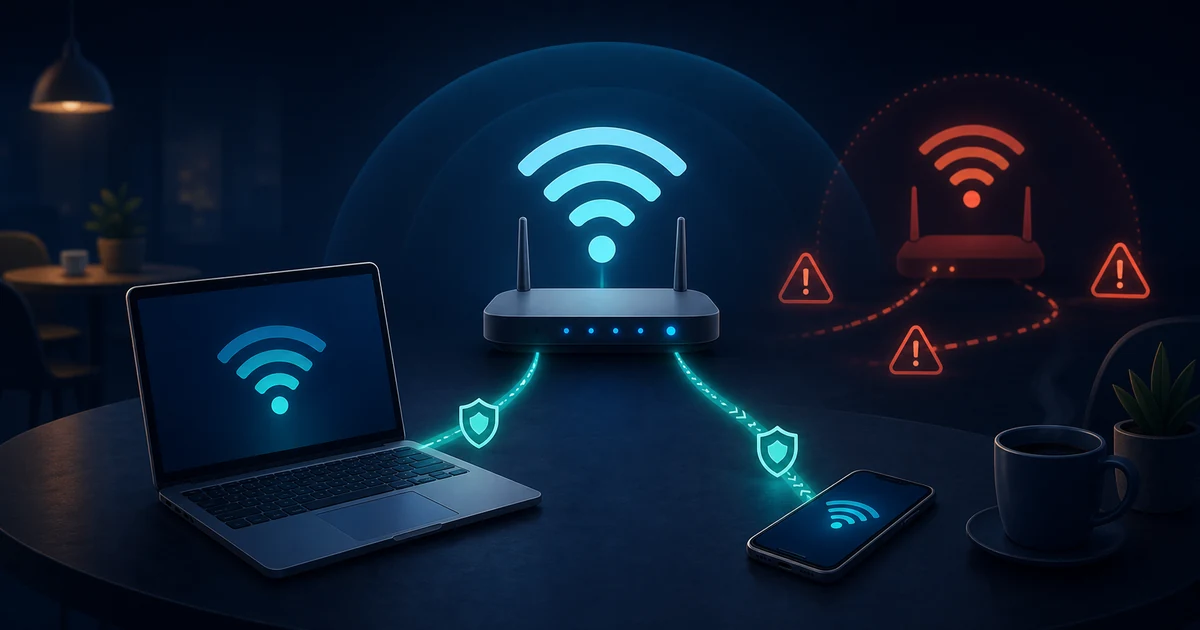
One common risk is a rogue access point that imitates a legitimate network. An attacker may copy a venue’s name, use a slightly different spelling, or create a stronger signal so devices connect to the wrong hotspot. The attacker can then redirect users to a fake sign-in page, observe connection metadata, or interfere with traffic that is not protected by higher-layer encryption.
Network names are not proof of identity. Before connecting, confirm the exact network name with staff or an official sign. Be suspicious of a second network that appears to use the same venue name, and turn off automatic joining for public networks you do not use regularly.
What an attacker can and cannot read
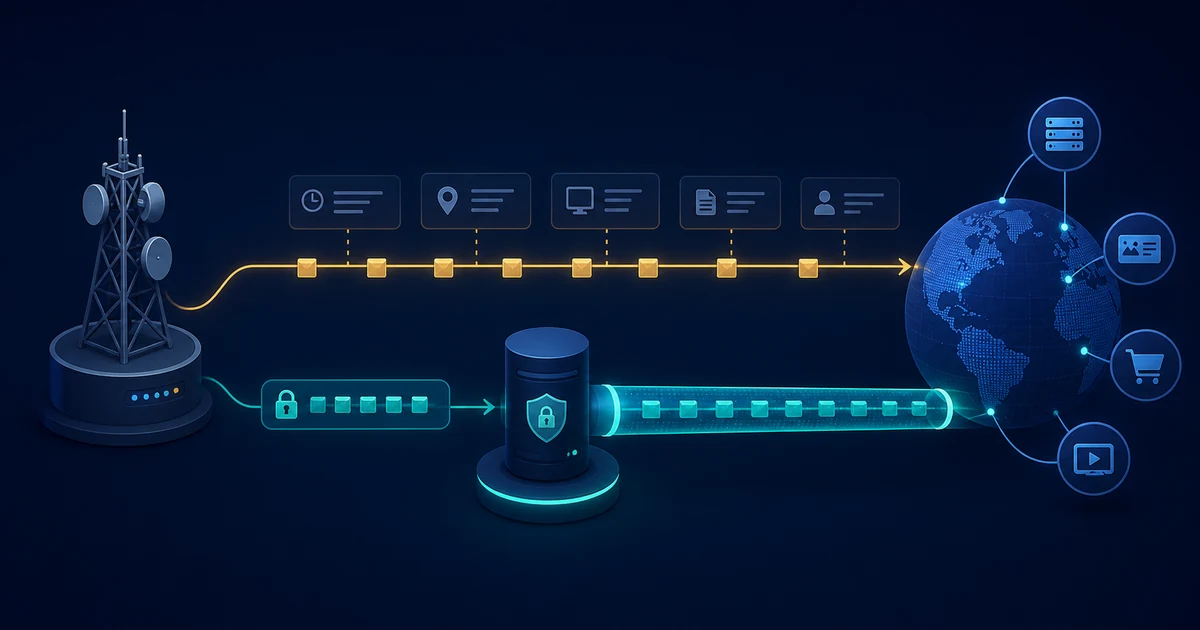
An open or hostile Wi-Fi network can often observe that your device is connected and can see network-level information such as timing, volume, and the endpoints your device contacts. Without application-layer protection, data may also be exposed to interception or modification.
HTTPS changes the most important part of that picture: it encrypts the web session between your browser and the website. A local Wi-Fi observer should not be able to read the protected page contents or passwords in a correctly validated HTTPS connection. The observer may still learn useful metadata, and a warning about an invalid certificate should never be ignored.
A VPN adds a separate encrypted connection from your device to the VPN server. The Wi-Fi operator then sees the VPN connection rather than the individual destinations carried inside it. The VPN provider becomes the intermediary for that part of the route, so provider practices still matter.
Captive portals can look convincing
Public networks often use captive portals that ask you to accept terms, enter a room number, or sign in before allowing normal access. A real portal can be inconvenient; a fake one can be a phishing page designed to collect an email password, payment details, or a work credential.
Use the smallest amount of information needed to gain access. Do not reuse an important password on a portal, and do not install a certificate, browser extension, or “security” application merely because a pop-up tells you to. If a portal asks for something unusual, use cellular data or ask the venue how access is supposed to work.
Devices can expose more than web traffic
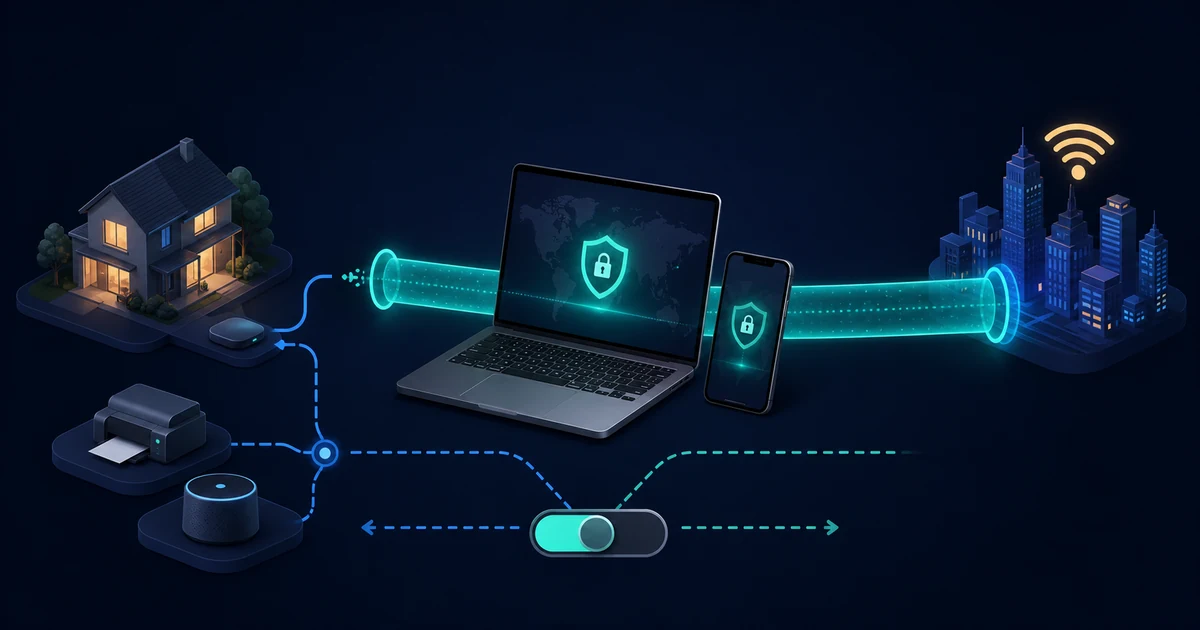
The Wi-Fi connection is only one part of the risk. File sharing, network discovery, remote administration, old operating systems, and unpatched applications can make a device easier to probe from a shared network. A phone or laptop that automatically joins networks can also connect before you notice.
Before using public Wi-Fi:
- Install operating system and browser updates.
- Turn off automatic joining for unfamiliar networks.
- Disable file sharing and network discovery when you do not need them.
- Use a device firewall where available.
- Lock the device and use multi-factor authentication on important accounts.
- Avoid installing software or accepting unexpected security prompts.
A VPN helps, but it is not a complete answer
Using a reputable VPN on public Wi-Fi can reduce the local network’s view of correctly routed traffic. A kill switch can prevent applications from falling back to the ordinary connection if the tunnel drops. Check What Is a Kill Switch? for the difference between a basic disconnect response and a stronger network lock.
The VPN does not stop a fake login page, malicious download, browser fingerprint, or account takeover. It also does not protect traffic that is excluded by split tunneling or that escapes through a DNS or IPv6 configuration problem. How VPN Encryption Works explains the boundary between the local network, the VPN server, and the destination website.
Safer habits for public connections
Use this practical checklist when you need to connect away from home:
- Confirm the network name and connection instructions with the venue.
- Prefer cellular data for highly sensitive work when it is practical.
- If you use Wi-Fi, connect the VPN before opening sensitive services.
- Check for HTTPS and stop if the browser shows a certificate warning.
- Avoid entering credentials into unfamiliar captive portals.
- Keep sharing features off and disconnect or forget the network afterward.
- Review account alerts and use multi-factor authentication.
The goal is not to treat every cafe or airport as an active attack. It is to make a single untrusted network less able to turn into a security incident.
The takeaway
Public Wi-Fi is risky because you have limited control over who operates the network, who else is connected, and whether the network name is genuine. HTTPS, a correctly configured VPN, updated software, strong account protection, and cautious behavior work together to reduce the risk.