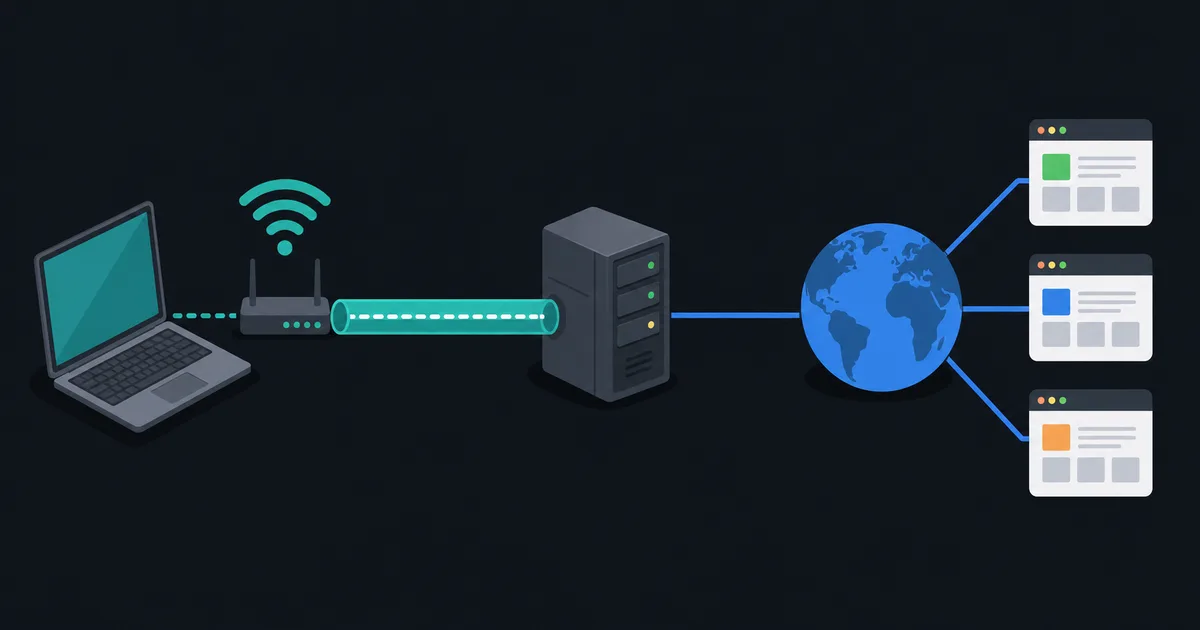
If you are looking for the official LibreGuard VPN apps, use the Downloads page. It brings together the supported app links, public client repositories, and Windows release details in one place.
Android
Download the Android app from Google Play. The Android client repository is public, so you can inspect the client source and follow published updates.
Windows
Open the Windows download page to find the official installer and the public Windows client repository.
When a SHA-256 checksum is published beside the release, you can verify the installer before opening it. In PowerShell, run:
Get-FileHash .\LibreGuard-VPN-Installer.exe -Algorithm SHA256
Compare the result with the checksum shown on the download page. A match confirms that the installer matches the published release file. Downloading from the official link and keeping Windows and the app up to date are also important parts of a safe installation.
Supported platforms
LibreGuard currently provides supported public clients for Android and Windows. Linux, macOS, and iOS downloads are not listed because there is no supported public release for those platforms yet.
For plan limits and protocol access, see Pricing. For connection questions, see Support.