The short answer
Every device on an IP network needs an address so that traffic can be sent to the right place. A public IP address is globally unique and can be used for routing on the public internet. A private IP address is meant for use inside a local network, such as your home Wi-Fi, office, or lab.
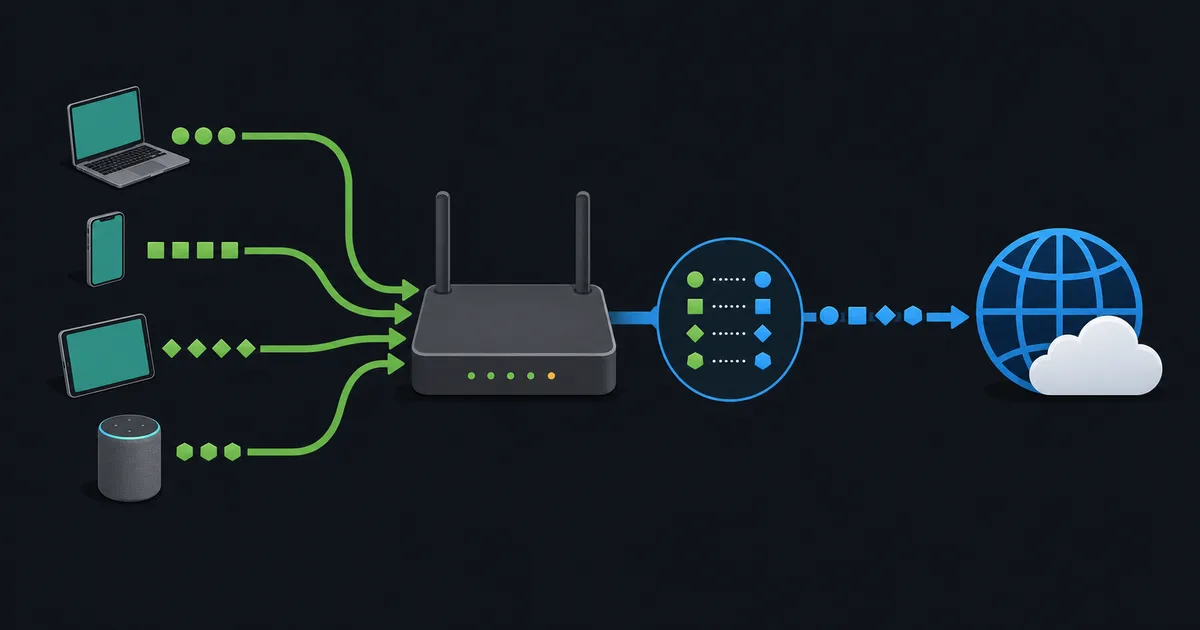
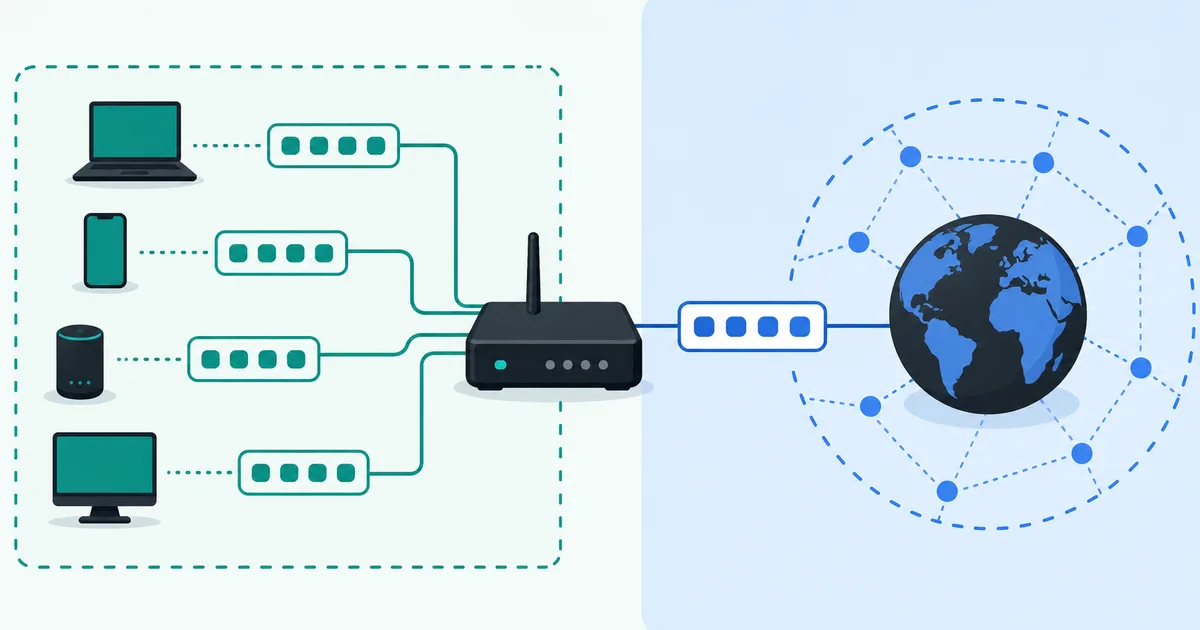
Your phone and laptop usually have private IP addresses. Your router or internet provider uses a public address to communicate with the wider internet. A process called network address translation (NAT) connects those two worlds.
Think of an IP address as a delivery address
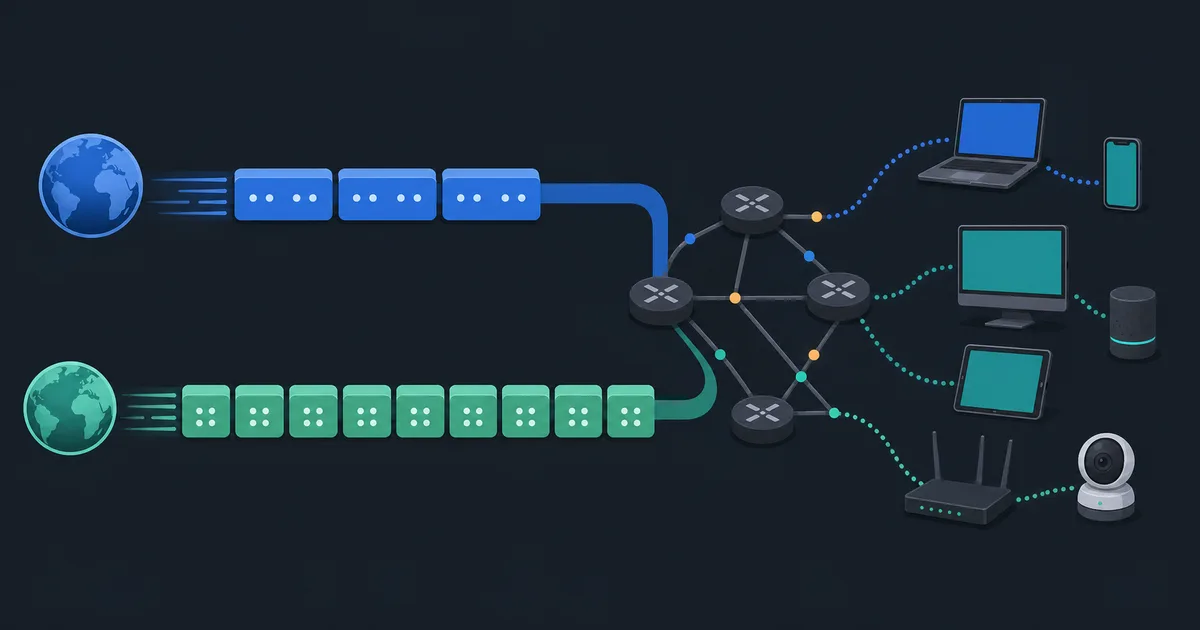
When an app requests a webpage, it sends network traffic toward the server hosting that page. The internet needs a destination address to know where the traffic belongs, much as a delivery network needs enough address information to reach the correct building.
An IP address is not a permanent identity for a person or a device. It can change when you join another Wi-Fi network, restart equipment, or receive a new address from your provider. It is also only one part of a connection: ports, protocols, routing, DNS, and application security all matter too.
For everyday home networking, the useful distinction is whether an address has meaning only inside one local network or can be routed across the public internet.
What is a public IP address?
A public IP address is intended to be globally unique. Internet service providers receive public address blocks and assign addresses to customers, servers, or network equipment. A website needs a publicly reachable address, directly or through a hosting provider, so visitors can find it from elsewhere on the internet.
When you visit a website, the website normally sees the public address used by your connection. In many homes, that is the public address assigned to the router by the provider. It is not necessarily the private address assigned to your laptop or phone.
Public does not mean "published everywhere" or "safe to connect to." It means the address is globally routable in principle. Whether a device accepts incoming traffic depends on firewalls, router rules, the service configuration, and sometimes provider policy.
What is a private IP address?
Private IPv4 addresses are reserved for internal networks. Different homes, offices, and labs can reuse the same private ranges because those addresses are not supposed to be advertised across the public internet.
The three private IPv4 blocks defined by RFC 1918 are:
10.0.0.0through10.255.255.255(10.0.0.0/8)172.16.0.0through172.31.255.255(172.16.0.0/12)192.168.0.0through192.168.255.255(192.168.0.0/16)
That is why an address such as 192.168.1.25 is so common at home. It only needs to be unique within that home network. Another household can use exactly the same address without a conflict because their network is separate.
Private addresses can communicate freely within the local network when network rules allow it. They do not have a global route on the internet, so a public router should not forward a packet whose source or destination is an RFC 1918 private address across the public boundary.
What your home network usually looks like
Imagine a home router with a public IPv4 address supplied by the ISP. Behind it are a laptop, phone, TV, and game console. The router gives each local device a private address, often using DHCP.
When your laptop opens a website, the router records the outgoing connection and replaces the private source address with its public address. When the reply comes back, the router uses its record to return the reply to the correct local device. This is the everyday use of NAT, and it lets many devices share one public IPv4 address.
The router is therefore doing more than passing traffic along. It is maintaining connection state and applying local network policy. That is also why an unsolicited connection from the internet normally does not know which private device should receive it.
Private addresses and CGNAT are not the same thing
You may also encounter an address in 100.64.0.0/10. This is shared address space for carrier-grade NAT (CGNAT), defined by RFC 6598. Providers may use it between their network and customers so multiple customers can share public IPv4 addresses.
CGNAT space is not one of the RFC 1918 private ranges. It has a different purpose and should not simply be treated as another home-network range. A person behind CGNAT can still browse and use most online services, but hosting something from home or receiving an inbound connection may be harder because the provider, not just the home router, is translating addresses.
How can you tell which address you have?
Your device settings usually show its local address. If it starts with 10., 192.168., or falls between 172.16. and 172.31., it is an RFC 1918 private IPv4 address. Your router's status page may show a separate WAN or internet address.
An "what is my IP" website reports the public address that its server sees. If it differs from the WAN address shown by your router, CGNAT or another upstream translation may be involved. This comparison is useful for troubleshooting, but it does not by itself reveal every network layer in between.
IPv6 uses a different addressing system. A device can have several IPv6 addresses at once, including link-local and globally routable ones. Our guide to IPv4 vs IPv6 explains why that is normal.
Why the distinction matters for privacy and troubleshooting
Knowing whether an address is public or private helps explain common networking questions. It explains why two devices on the same Wi-Fi can find each other locally, why a home server often needs port forwarding, and why changing a router setting may not help when an ISP uses CGNAT.
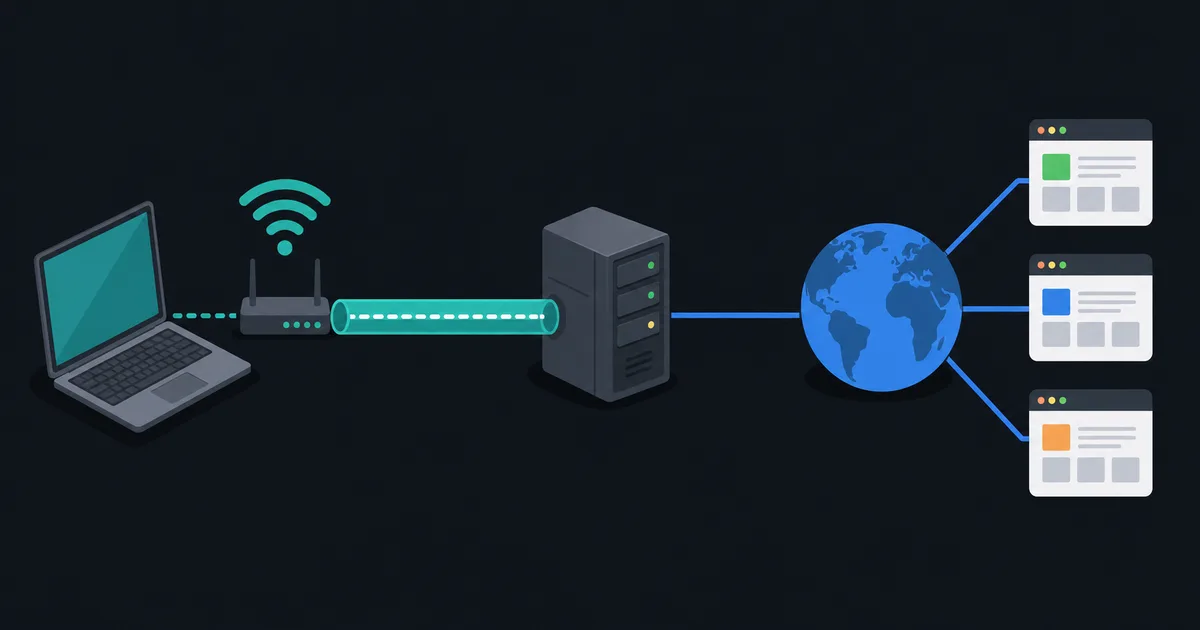
It also helps put VPN claims in context. A VPN changes the network path used by selected traffic, so websites normally see the VPN server's public address instead of the public address supplied to your home connection. It does not remove the need for secure websites, sensible account security, or a trustworthy provider.
The takeaway
Public IP addresses are globally meaningful on the internet. Private IP addresses are reusable inside local networks. Your router commonly bridges the two with NAT, which is why a room full of devices can share one public IPv4 address.