The short answer
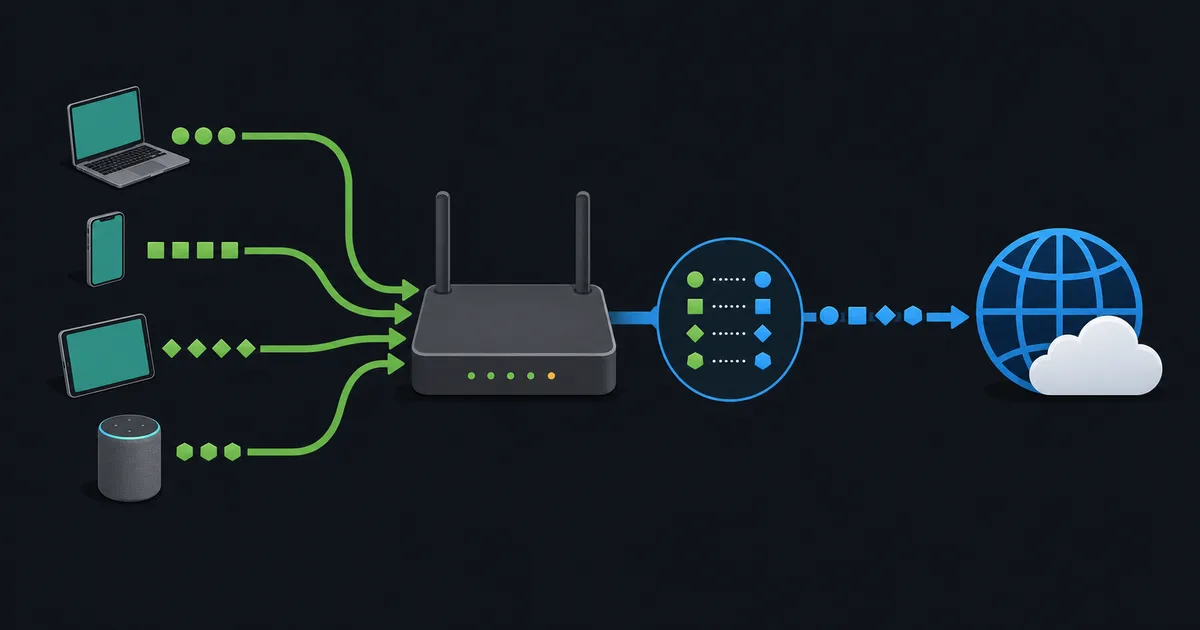
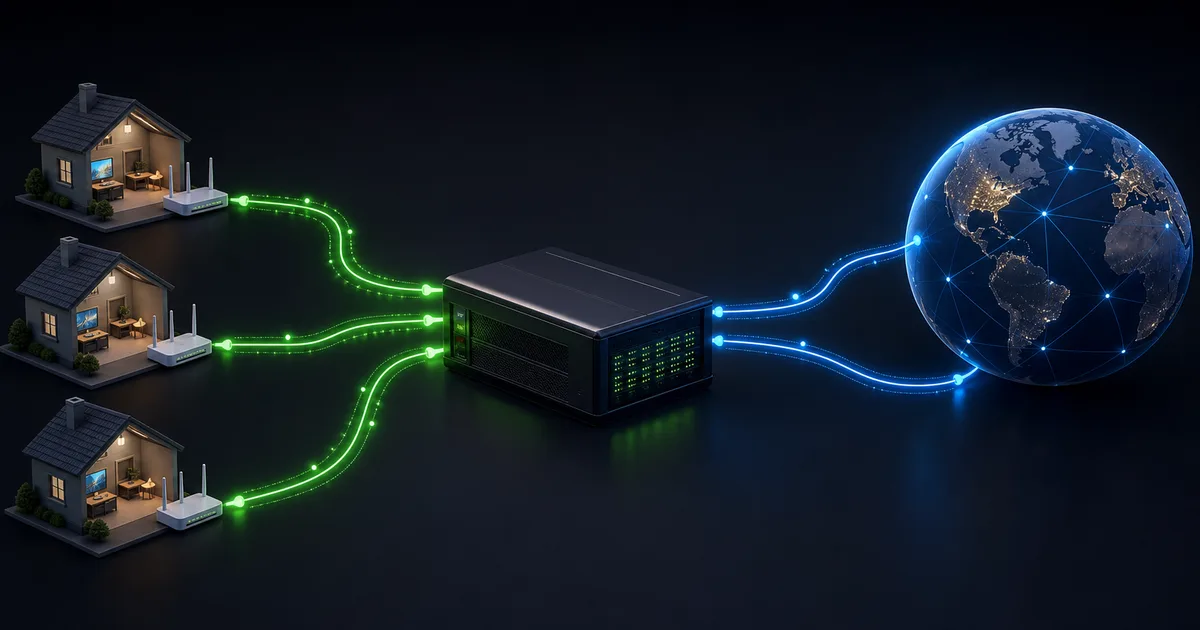
Carrier-grade NAT, usually shortened to CGNAT, is network address translation run by an internet provider. Instead of giving each customer a unique public IPv4 address, the provider lets many customers share public addresses and keeps the translation state in its own network.
For ordinary browsing, streaming, and outbound VPN connections, CGNAT often works without obvious changes. It matters when a device needs an unsolicited inbound connection from the internet: a port-forwarding rule on your home router cannot control the provider's translation layer.
Why providers use CGNAT
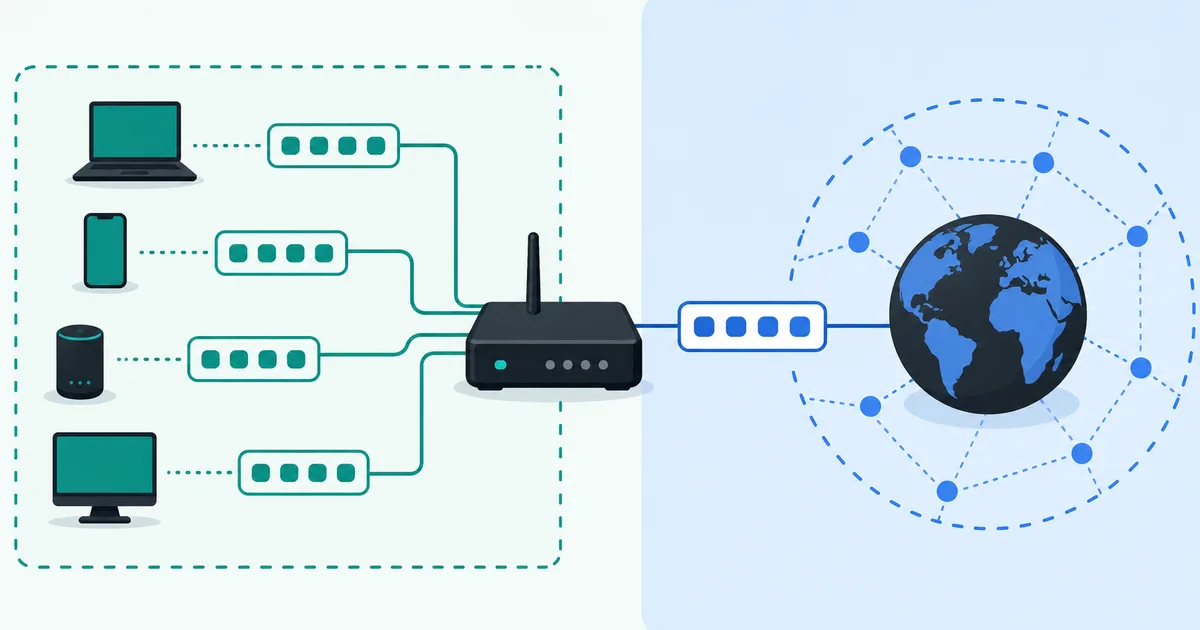
IPv4 has a limited number of public addresses. A home may have dozens of devices, and providers serve far more customers than they have spare IPv4 addresses. Local NAT already lets devices in one home share an address; CGNAT extends that sharing into the ISP network.
With CGNAT, a typical path has two translations. Your device uses a private address behind its home router. The router may translate it to an address on its WAN interface. The provider's CGNAT device then translates it again to a shared public IPv4 address. This arrangement is often called NAT444.
CGNAT is an IPv4 conservation technique, not a firewall, privacy service, or replacement for IPv6. Providers can and should still apply separate security policy, and users should not assume address sharing makes devices safe.
Shared address space is not the same as home private space
RFC 6598 reserves 100.64.0.0/10 for shared address space used between a provider's CGN equipment and customer equipment. Addresses in that range are not globally routable. They are also distinct from the private ranges commonly used in homes, such as 192.168.0.0/16, 10.0.0.0/8, and 172.16.0.0/12.
Seeing a 100.64.x.x WAN address is a strong CGNAT clue. Seeing a private WAN address can also suggest upstream translation, but it is not proof by itself: the provider may use another network design. A public-looking WAN address does not absolutely rule out unusual routing either.
What normally continues to work
CGNAT creates mappings when a customer device makes an outbound connection. Replies that match a live mapping can be sent back to that device. That is why web browsing, email, streaming, software updates, and most VPN clients usually work normally.
Some applications use NAT traversal techniques or relays to establish peer-to-peer sessions. Their success depends on NAT behavior, port availability, provider policy, and the application's fallback design. Do not assume that every game, voice app, camera, or peer-to-peer tool will behave the same way behind CGNAT.
Why port forwarding often fails
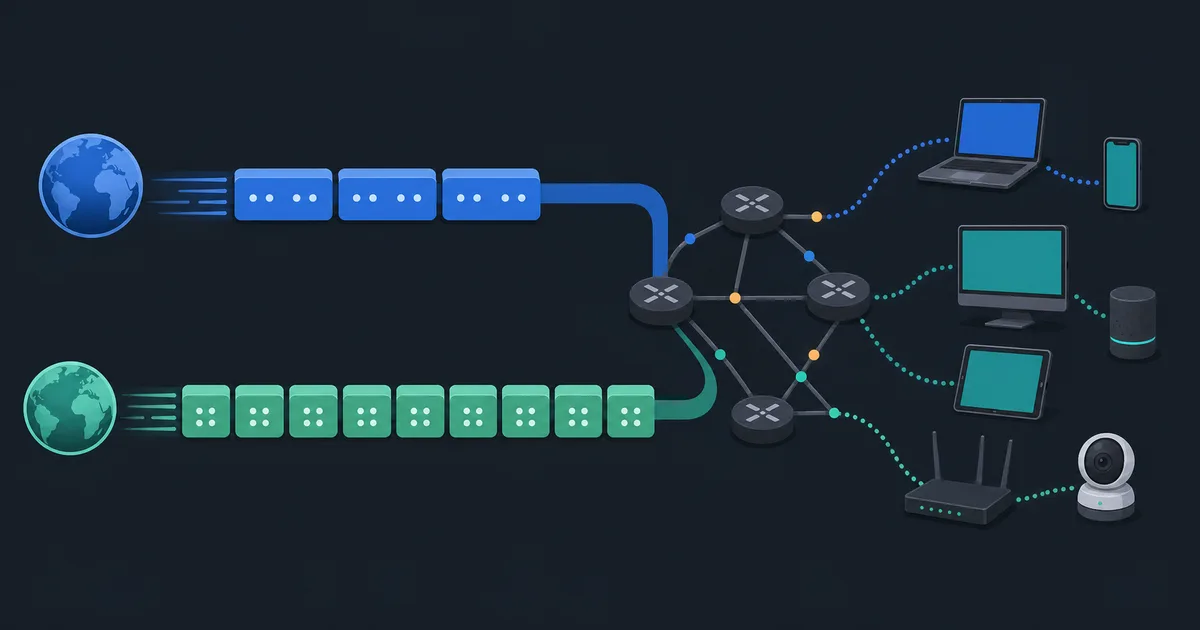
Port forwarding tells your own router which local device should receive traffic arriving at a chosen port. Under CGNAT, the public address is controlled by the ISP's NAT device. An incoming connection reaches that device first, and it has no customer-managed rule that maps the port to your router.
This affects self-hosted websites, game servers, direct remote-desktop access, some security cameras, and home VPN servers. It can also make incoming peer-to-peer connections less reliable. The service might still work through an application relay, but direct reachability requires a path the provider permits.
CGNAT does not prevent an outbound VPN client from connecting. Hosting a VPN server at home is different: it normally needs a reachable public address, IPv6 with suitable firewall rules, or another designed access method.
How to check for CGNAT
Start with your router's WAN or internet address, not the private address shown on a phone or laptop. Compare the router's WAN IPv4 address with the public IPv4 reported by a reputable external service. If they differ, there is translation upstream of the router. If the WAN address is in 100.64.0.0/10, CGNAT is especially likely.
This is a useful diagnostic, not an accusation. Some providers use multiple NAT layers or business-specific arrangements. The reliable next step is to ask the provider whether the service uses CGNAT and whether it offers a public IPv4 address, static address, bridge mode, or native IPv6.
Your options when you need inbound access
The best option depends on the service:
- Ask the provider for a public IPv4 address; it may be dynamic, static, included, or an extra-cost option.
- Use IPv6 if your provider, router, client, and remote user support it, then configure firewall rules deliberately.
- Use a hosted server, relay, or reverse tunnel designed for the service instead of exposing a home port directly.
- Prefer an authenticated remote-access product that handles NAT traversal or relaying safely.
Avoid indiscriminately exposing management ports to the internet. A public address only makes reachability possible; it does not secure the service. Keep software updated, require strong authentication, limit access, and review logs.
Port sharing, records, and troubleshooting expectations
The shared public address alone is not enough to identify an individual connection. CGN equipment maps a subscriber's internal connection to an external address and port for a period of time. Providers may allocate ports dynamically and may limit the number of simultaneous ports available to one subscriber so that one customer cannot consume the shared resource.
That design can affect applications that open many short-lived connections, but the symptom is not automatically CGNAT. A failed port-forward test can also be caused by the wrong local address, a host firewall, double NAT in a mesh system, a provider port block, or a service that is not listening. Check those local causes before changing plans or exposing a new service.
When contacting support, provide the router's WAN address, the public address seen externally, the protocol and port you need, and the result of a controlled test. Ask specifically whether inbound IPv4 is possible on the plan and what alternatives the provider supports. Clear information is more useful than trying random universal plug-and-play or firewall changes.
Mobile and fixed-wireless services commonly use CGNAT, but it can appear on many connection types. The technology is neither automatically poor service nor a reason to replace a working connection. It simply changes which inbound designs are viable, so confirm that requirement before choosing hosting hardware or a home-server plan.
CGNAT and online privacy
A shared public address means a website sees the address of the provider's CGN device, not a unique household address. That does not make users anonymous. Providers can associate translation mappings with subscribers, and websites still have accounts, cookies, browser signals, timing, and other data. CGNAT should be evaluated as an operational connectivity constraint, not as a privacy feature.
The takeaway
CGNAT lets an ISP share scarce IPv4 addresses among subscribers. It normally leaves outbound connections working, but it can prevent customer-controlled port forwarding and other direct inbound services. Check your router's WAN address, confirm the provider's policy, and use public IPv4, IPv6, or a purpose-built relay when inbound access matters.