The short answer
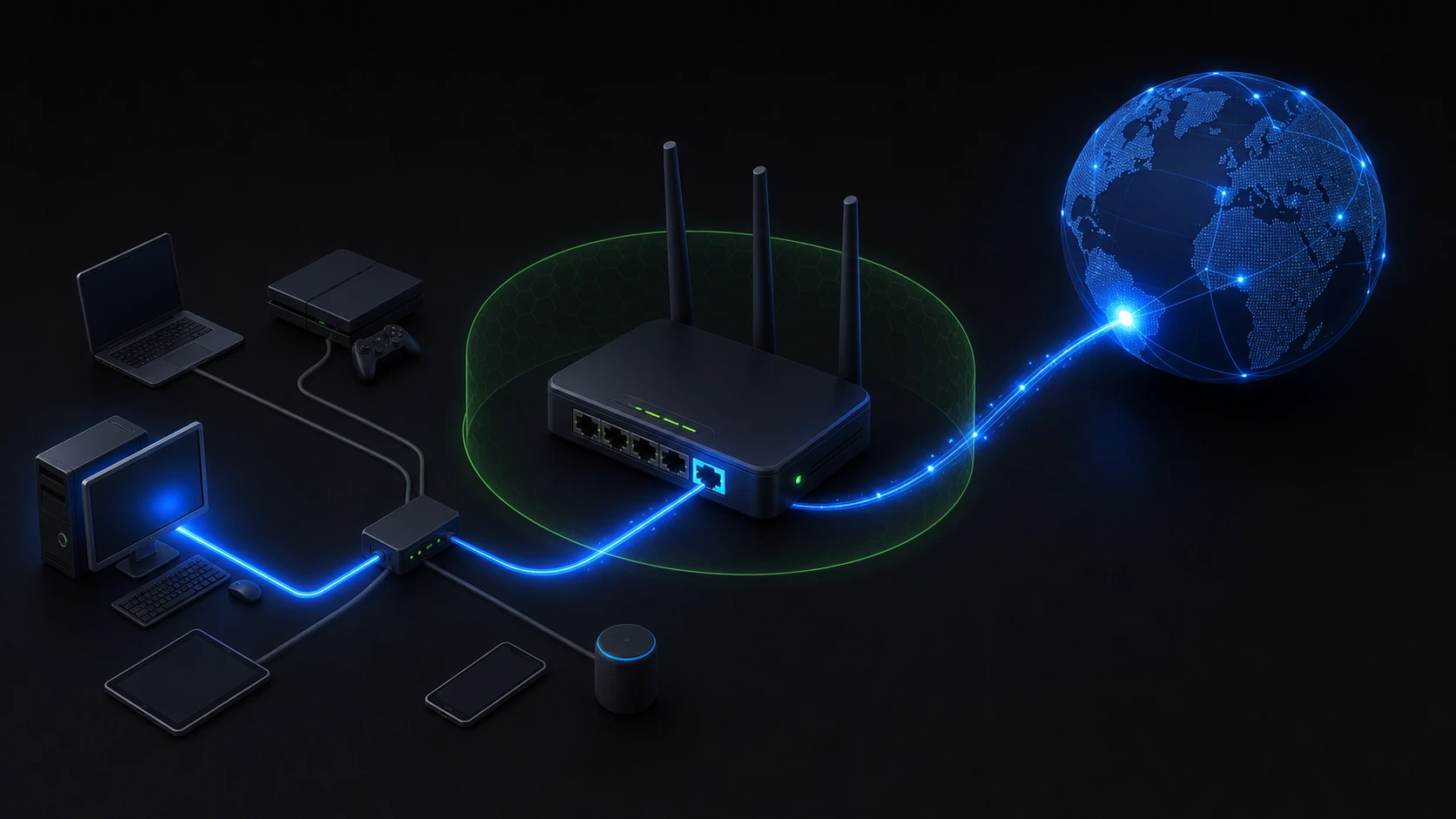
Port forwarding is a router rule that sends incoming traffic arriving on a chosen public port to a specific device and port inside a private network. It is commonly used when you deliberately host a game server, remote-access service, camera, or another service from home or a small office.
The rule tells the router where new inbound traffic should go. It does not secure the service, prove that the service is reachable, or make every device on the local network accessible.
Why a router needs a forwarding rule
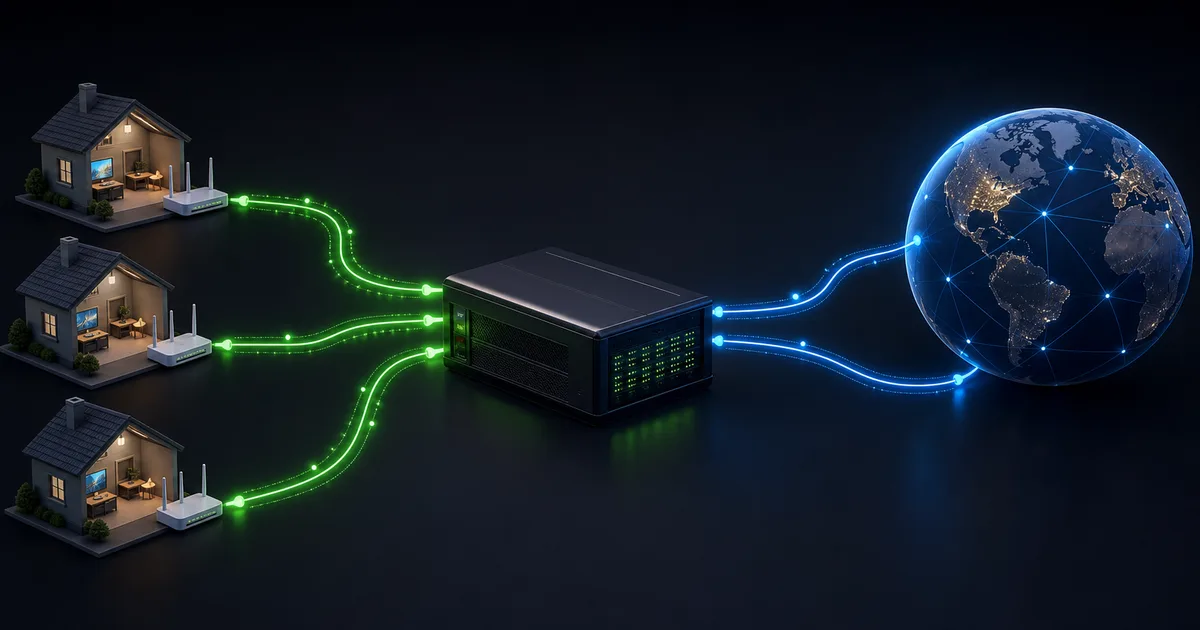
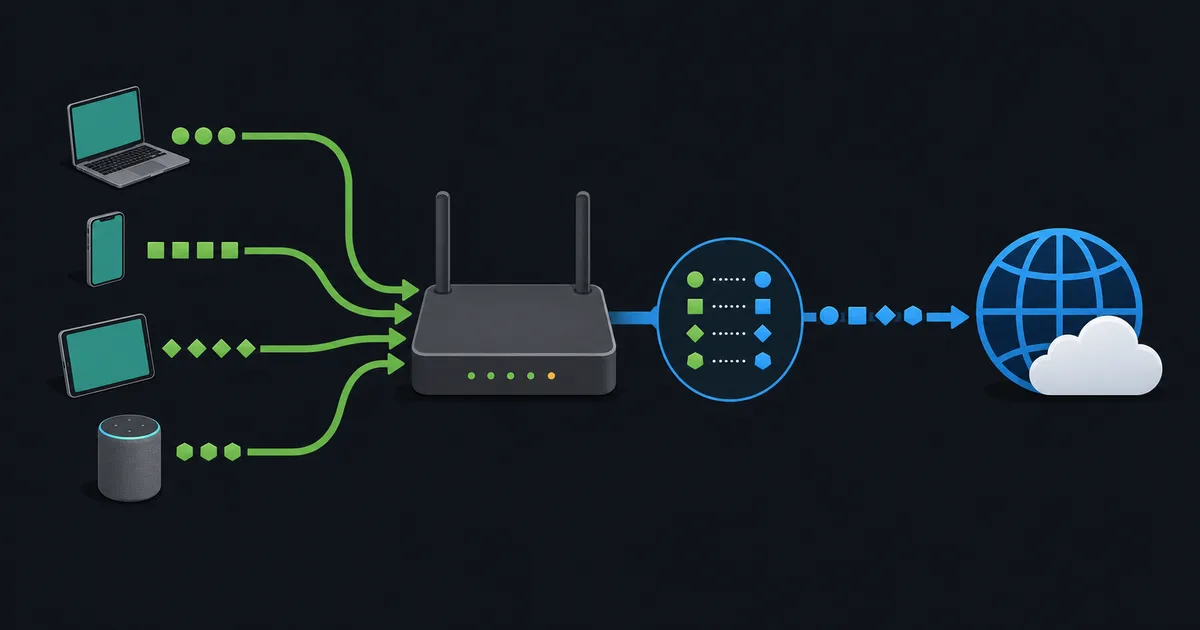
Devices at home often use private IP addresses, while the router has the public address used on the internet. When a device starts an outbound connection, the router can remember that connection and return matching replies to the right device.
A brand-new connection from the internet has no existing mapping. Without a rule, the router does not know whether it should send it to a laptop, console, server, or camera. Port forwarding creates that explicit mapping.
For example, a router can forward traffic received on one public port to 192.168.1.50 on the port used by a service. External users connect to the router's public address and selected port; the router forwards matching traffic to that one internal destination.
Ports identify a service endpoint
An IP address identifies a host or network interface. A port helps identify a service or connection endpoint on that host. Protocol matters too: TCP and UDP use separate port spaces, so a rule must match the protocol the service actually uses.
Forwarding a port does not open every port on the device, and opening the same number for TCP does not automatically forward UDP. TCP vs UDP explains why the protocols behave differently.
What you need before forwarding
A typical setup needs all of the following:
- A device with a stable local address, usually through a DHCP reservation or appropriate static configuration.
- A service that is running and listening on the intended protocol and port.
- A router rule that names the correct internal address, port, and protocol.
- Firewall rules on the router and device that permit only the intended traffic.
- A public address and an ISP policy that allow the inbound connection.
If any one of these is missing, the service may remain unreachable. A forwarding rule alone is not a complete setup.
NAT state is not port forwarding
People sometimes call both behaviors "opening a port," but they are different. Ordinary outbound connections create temporary NAT state, allowing replies for that connection to return. Port forwarding is an administrator-created instruction for new inbound traffic.
NAT is not a firewall. A firewall decides what policy permits; NAT translates addressing information. Home routers often combine both features, which makes the distinction easy to miss. What Is NAT? Network Address Translation Explained covers the larger picture.
Why CGNAT can stop port forwarding
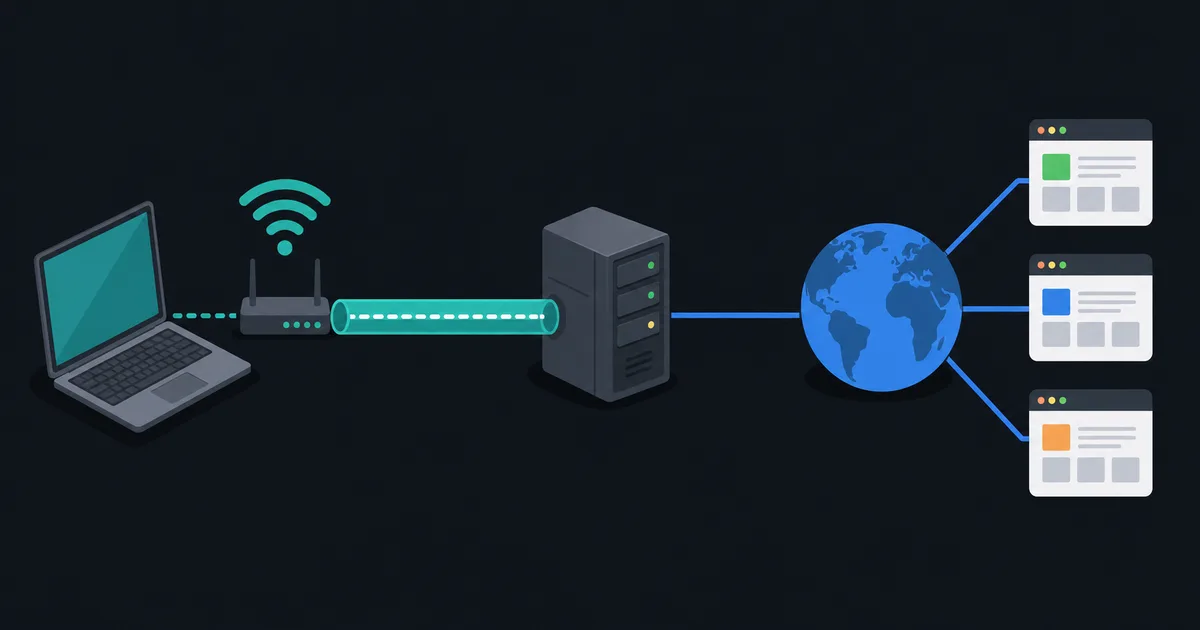
Your router must receive the incoming traffic before it can forward it. If your ISP uses carrier-grade NAT (CGNAT), the public-facing address may be shared and controlled upstream by the provider. A rule on your router cannot create a matching rule on the ISP's equipment.
In that situation, ordinary browsing may work normally while hosting does not. Options can include requesting a public address, using IPv6 where the service and network support it, or choosing a remote-access design that does not require inbound forwarding. Read What Is CGNAT? for more detail.
Expose services carefully
Forwarding makes a service reachable from outside your network, so treat it as a deliberate security decision. Keep the service updated, use strong authentication, disable unused accounts and features, and limit access by source address when the service supports it.
Do not expose router administration interfaces or remote desktop services broadly unless you understand the risks and have a specific, secured design. A nonstandard port can reduce random noise but is not a security control. The service still needs sound authentication and timely patching.
How to test a forwarding rule
First confirm the service works from inside the local network. Then test from a genuinely external connection, such as a mobile network you control. Testing from the same Wi-Fi can be misleading because some routers do not support loopback to their public address.
If it fails, check the local address, protocol, service listener, device firewall, router rule, public address, and whether CGNAT is present. Change one thing at a time and document the previous setting so you can recover safely.
The takeaway
Port forwarding directs selected new inbound traffic from a router's public side to one local service. It is useful for intentional hosting, but it needs a reachable public path, correct service and firewall settings, and careful security maintenance. It is not a shortcut around CGNAT or a replacement for a firewall.