The short answer
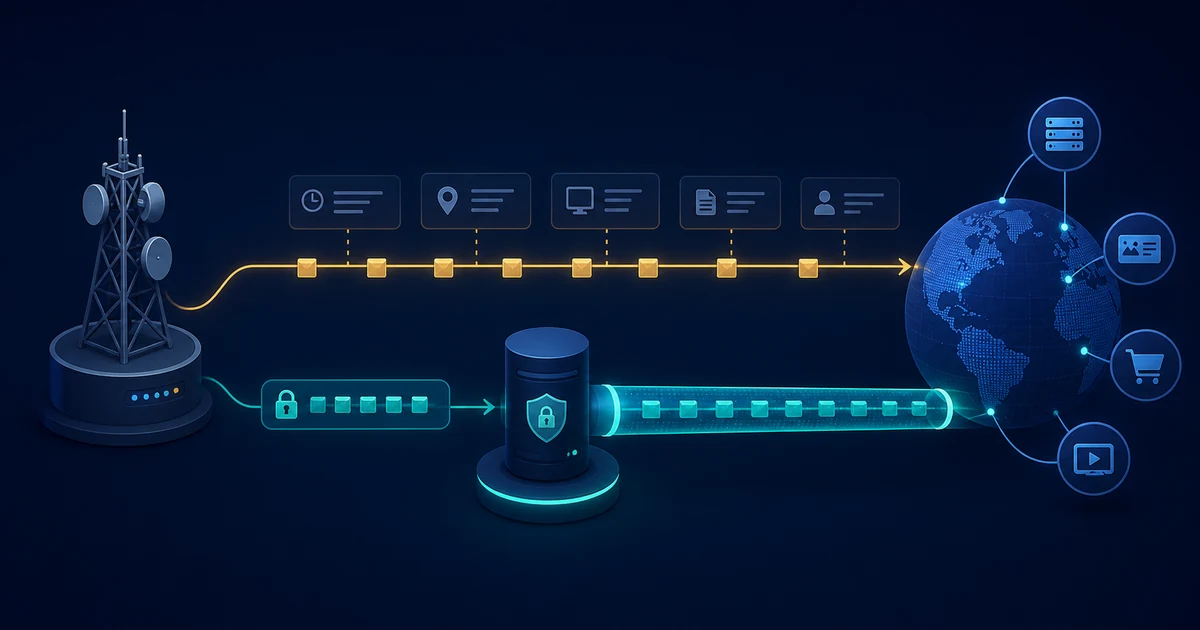
Without a VPN, your internet service provider can usually see that your connection is communicating with particular IP addresses, how much data is moving, and when the connection is active. It may also see your DNS queries when your device uses the provider’s resolver or another resolver without encryption.
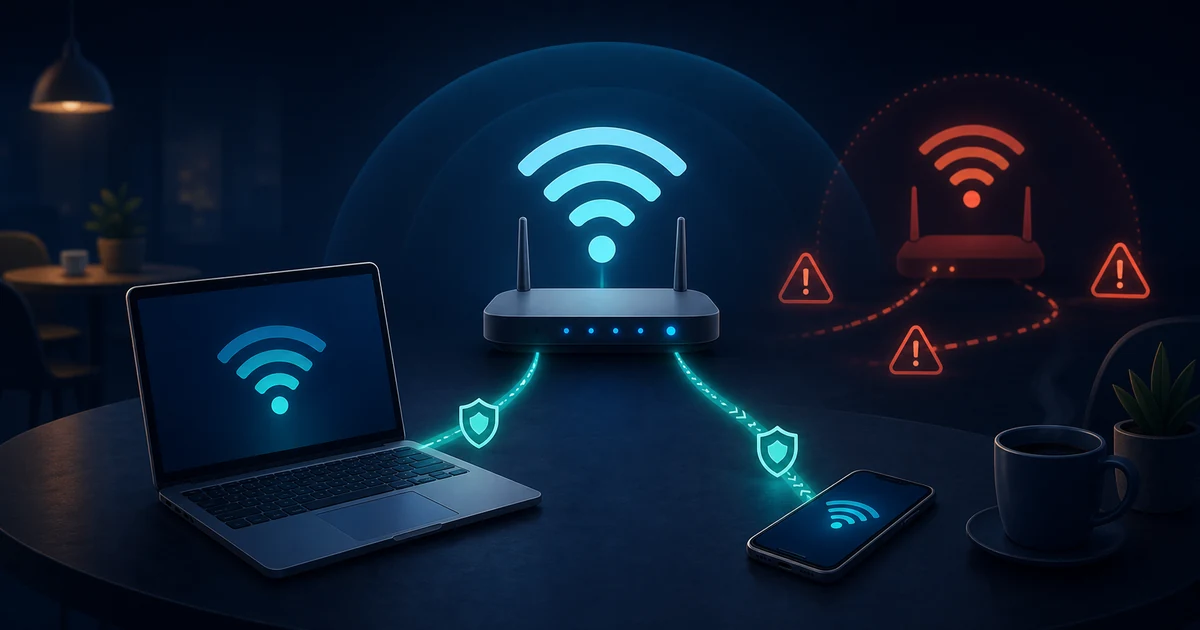
HTTPS protects the contents of a web session from the ISP, but it does not make every part of the connection invisible. A VPN changes the network path: the ISP normally sees an encrypted connection to the VPN server, while the VPN provider becomes the intermediary that can observe the onward connection according to its technology and policies.
What your ISP can see without a VPN
Your ISP carries your traffic between your network and the wider internet. That position gives it access to network metadata such as:
- The public address assigned to your connection.
- The destination IP addresses your device contacts.
- Connection times, duration, volume, and patterns.
- The transport protocols and ports used by the connection.
- DNS queries when they are sent to an observable, unencrypted resolver.
An IP address does not always identify a single website. Multiple domains can share a CDN or hosting address, and one application may contact many services. Metadata can still be useful without proving exactly which page you opened.
What HTTPS hides
HTTPS uses TLS to protect the application data exchanged between your browser or app and the website’s server. In a correctly validated connection, the ISP should not be able to read the page contents, form values, passwords, or the specific URL path carried inside the protected session.
HTTPS is not the same as a VPN. It protects a connection to a particular service, while a VPN protects traffic between your device and the VPN server and can carry many applications. HTTPS also does not hide all connection metadata from the network. Timing, volume, destination information, and some connection setup details can still be visible depending on the protocol and deployment.
For a plain-language overview of the network path, read What Is a VPN and How Does It Actually Work?.
DNS can reveal destinations separately
DNS translates names such as example.com into IP addresses. If your device sends ordinary DNS queries to the ISP’s resolver, the ISP can learn the names being looked up even when the eventual website session uses HTTPS.
DNS over HTTPS (DoH) and DNS over TLS (DoT) encrypt the connection to the selected resolver, but they do not make the resolver irrelevant: that resolver receives the query. A VPN client may send DNS through the VPN tunnel to a provider-controlled or configured resolver, changing which party handles those lookups.
See What Is DNS?, What Is DNS over HTTPS?, and What Is DNS over TLS? for the differences between name resolution and the later application connection.
What changes when you use a VPN
With a full-tunnel VPN, the device creates an encrypted connection to the VPN server and sends the selected traffic inside it. The ISP can generally observe:
- That the device is connected to a VPN endpoint.
- The VPN server’s address and the connection’s timing and volume.
- Outer transport information and possible protocol fingerprints.
- Any traffic that the VPN configuration deliberately excludes.
The ISP should not be able to read the protected inner packets or directly see their final destinations from the tunnel contents. At the VPN server, however, the traffic is decrypted and forwarded. The VPN provider may therefore observe connection metadata and, for destinations that do not use their own encryption, more of the onward traffic.
HTTPS still matters when a VPN is active. It protects the browser-to-website connection after the VPN server, limiting what the VPN provider and intermediate networks can read from the application session.
Routing, DNS, and IPv6 can change the result
“I am connected to a VPN” does not automatically mean every packet uses it. Split tunneling may send selected applications or routes directly through the ordinary connection. A client that handles IPv4 but leaves IPv6 outside the tunnel can also expose a different path.
DNS is another common boundary. If name lookups leave through the ordinary interface while the rest of the traffic uses the VPN, the ISP may still learn useful destination information. A careful setup defines how IPv4, IPv6, DNS, and excluded routes should behave together.
Read IPv4 vs IPv6 and Split Tunneling Explained before treating a VPN status indicator as proof of full coverage.
Can an ISP infer more than it directly sees?
Encryption reduces direct content visibility, but it does not erase all signals. An observer may use timing, volume, destination addresses, repeated patterns, or public information to make inferences. Those inferences are not the same as reading the encrypted content, and their accuracy depends on the traffic, protocol, services involved, and available data.
The legal rules around provider retention, disclosure, and access differ by jurisdiction and can change. Do not rely on a general explanation of network visibility as legal advice or as a statement about a particular ISP’s current policy.
A practical privacy checklist
- Use HTTPS and keep the browser current.
- Decide which DNS resolver you trust and whether the connection to it is encrypted.
- Confirm that the VPN handles DNS, IPv4, and IPv6 in the way you expect.
- Review split-tunneling and per-app exclusions.
- Use a kill switch if preventing fallback traffic is important.
- Remember that the VPN provider becomes a new party in the path.
- Check the provider’s published data practices instead of relying only on “no logs” wording.
LibreGuard’s public data practices guide explains why a VPN service can avoid building a browsing-history database while still processing account, device, usage, and operational information.
The takeaway
Your ISP can normally observe important metadata and any unprotected DNS activity without a VPN, while HTTPS protects the contents of a properly secured application session. A VPN hides the tunnel’s inner destinations from the ISP to the extent that routing is correct, but it shifts trust toward the VPN provider and does not remove website, endpoint, or traffic-analysis limits.