The short answer
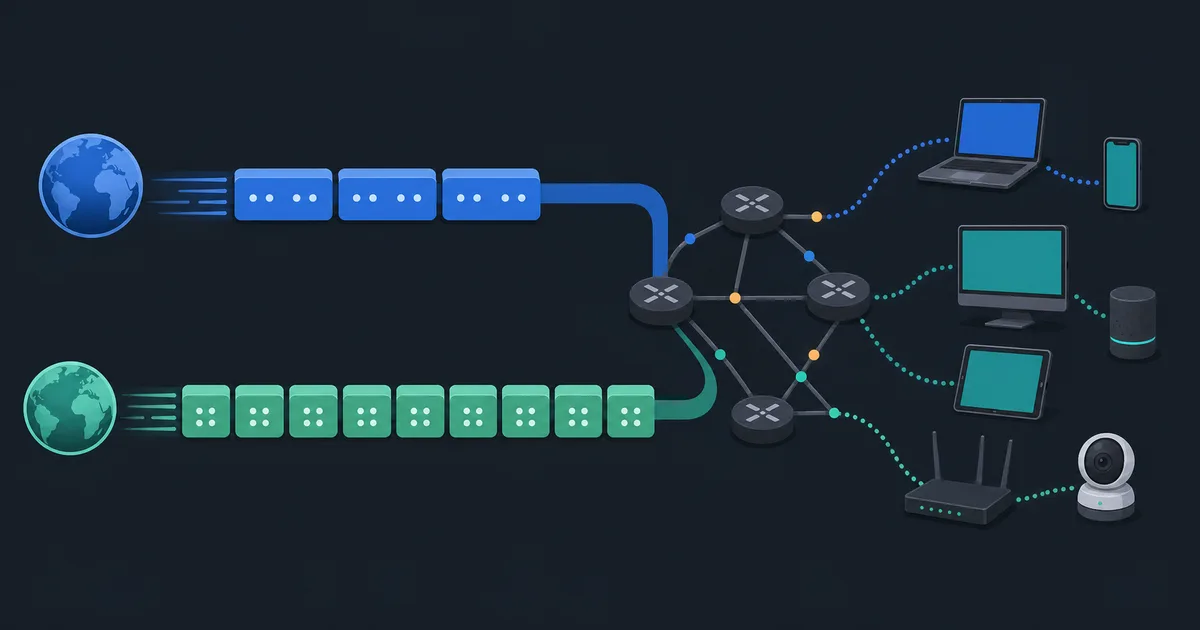
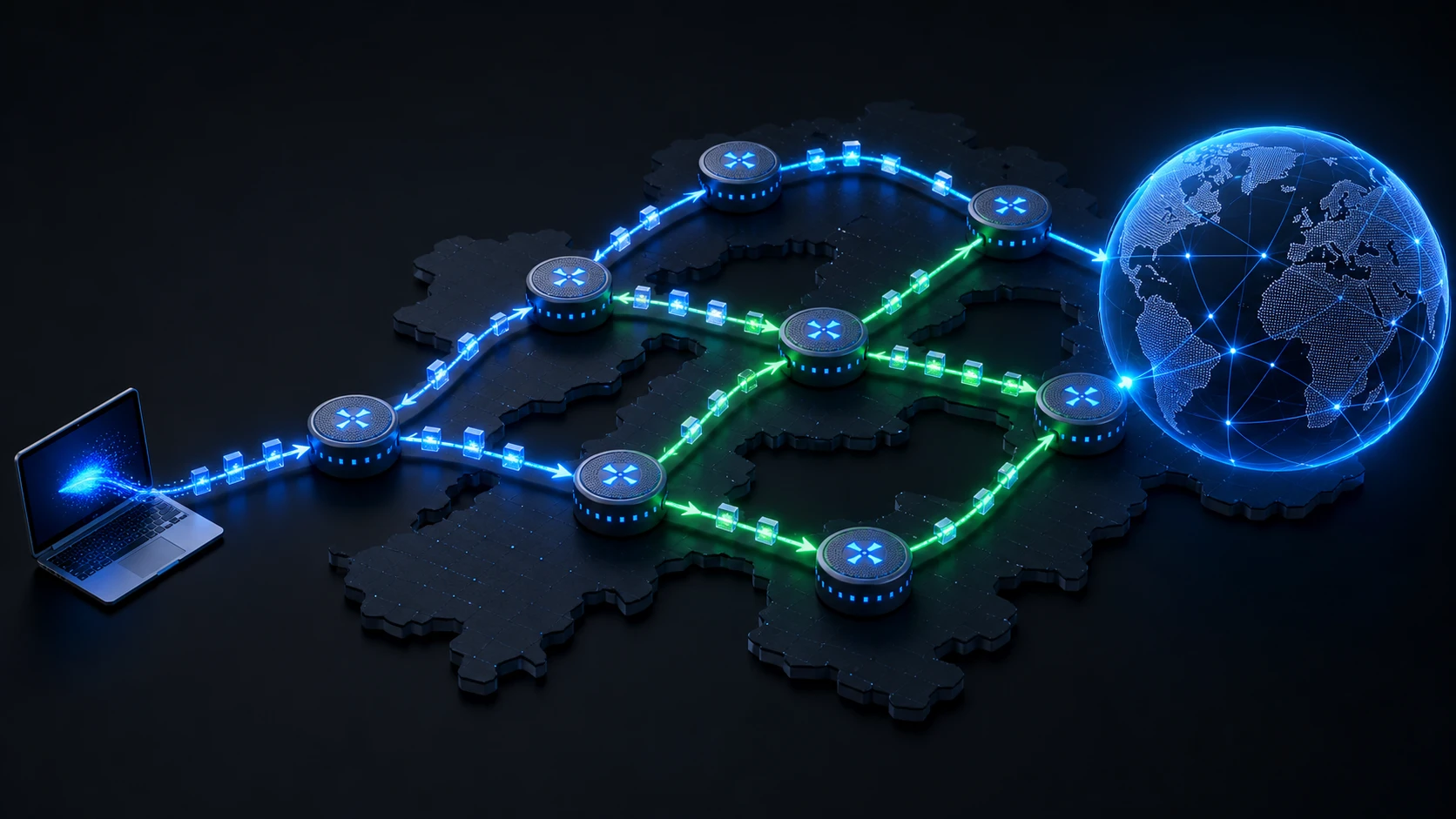
Internet routing is the process of choosing where an IP packet should go next on its way to a destination. A packet does not usually carry a complete map of its journey. Instead, each router examines the destination address, checks its routing information, and forwards the packet to the next appropriate hop.
That local decision repeats across networks until the packet reaches a network that can deliver it to the destination. The path can change over time because networks update their routing information, links fail, and policies differ between operators.
The first hop: your default gateway
Inside a home or office network, your device first decides whether a destination is local. If it is not, the device normally sends the packet to its default gateway—often the router connected to the ISP.
Your router then forwards the packet toward the internet, often performing network address translation for IPv4 connections. NAT changes addressing information at a boundary; routing chooses the next path. A router can do both jobs, but they are different functions.
Routing tables and prefixes
Routers use routing tables. Each entry identifies a destination network, often written as an IP prefix, and an action such as sending matching packets to a next hop or interface.
When more than one entry matches, routers generally prefer the most specific route, called longest-prefix matching. For example, a route for 203.0.113.0/24 is more specific than a route for 0.0.0.0/0, the IPv4 default route. This lets a network use broad default paths while adding precise directions for particular destinations.
How routers learn routes
On a small network, an administrator may configure routes directly. Larger networks use routing protocols to exchange reachability information. Within one organization, a protocol can help routers react to changes inside that network.
The public internet connects many independently operated networks, known as autonomous systems. Between them, the Border Gateway Protocol (BGP) distributes announcements about which IP prefixes a network can reach. BGP is influenced by business and security policy as well as technical distance, so the shortest-looking geographic path is not necessarily selected.
DNS and routing are separate
DNS helps an application turn a domain name into an IP address. Routing then uses that address to forward packets. DNS does not itself select every router along the way, although DNS answers can direct users to servers in different locations.
This distinction helps with troubleshooting: if a domain name does not resolve, the issue may be DNS. If it resolves but packets cannot reach the address, the issue may involve a route, firewall, server, or another part of the connection. See What Is DNS? for the name-resolution side.
Why routes can change
Internet paths are not permanent. An operator may shift traffic during maintenance, a cable fault can remove a path, or a network can prefer a different upstream provider. Applications often continue working because the routing system converges on another available path, but that process can affect latency, congestion, or reliability.
Routing is also only one layer. Firewalls can block traffic even when a route exists, and a destination server can reject a connection even when packets arrive.
What traceroute can—and cannot—show
Tools such as traceroute and tracert can show some responding hops between your device and a destination. They are useful clues, but not a complete map. Routers may rate-limit or ignore probe traffic, load balancing can show different paths, and a missing response does not by itself prove that ordinary traffic is failing.
Use these tools carefully and only on networks you are authorized to test. Combine their results with application symptoms and basic checks for local Wi-Fi, DNS, and packet loss.
How a VPN changes routing
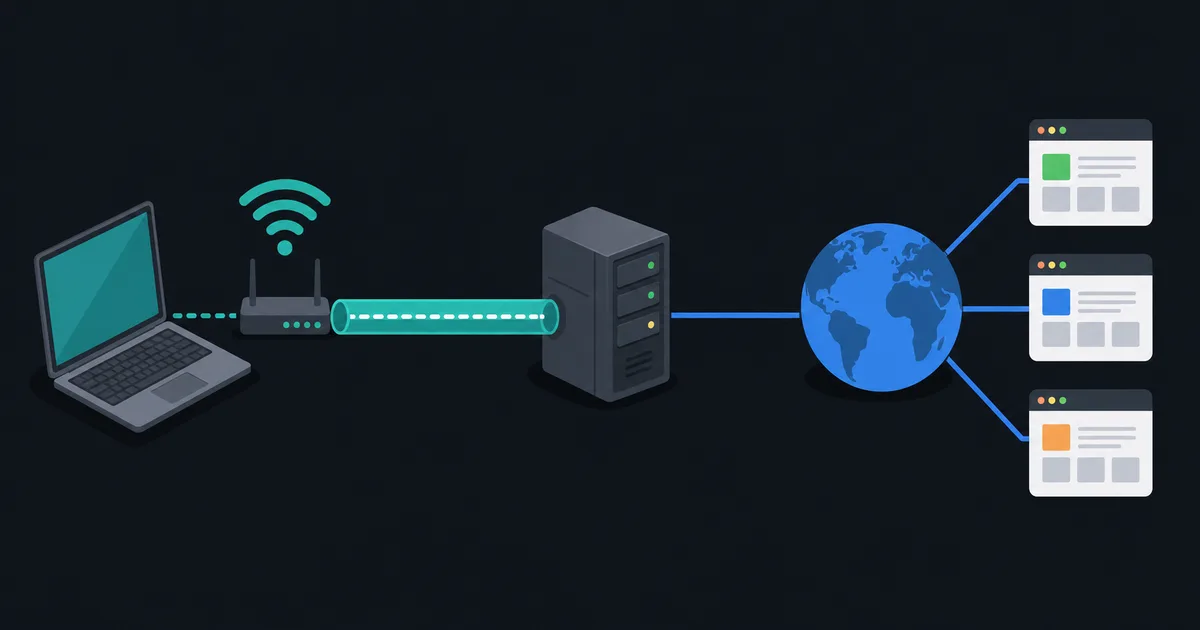
When a VPN connects, it can install routes that direct selected traffic to a virtual network interface. In a full-tunnel setup, the VPN may become the default path for internet traffic; in split tunneling, only selected applications or destinations use it.
The packet still needs an ordinary route to the VPN server itself. The tunnel then carries an inner packet toward its final destination. That is why VPN behavior depends on both the local network path and the provider's network.
The takeaway
Routing is a chain of next-hop decisions based on destination prefixes and network policy. Your default gateway starts the journey, routing tables guide each hop, and BGP helps independent networks exchange reachability information. DNS, NAT, firewalls, and VPNs affect the experience, but they solve different parts of the problem.