The short answer
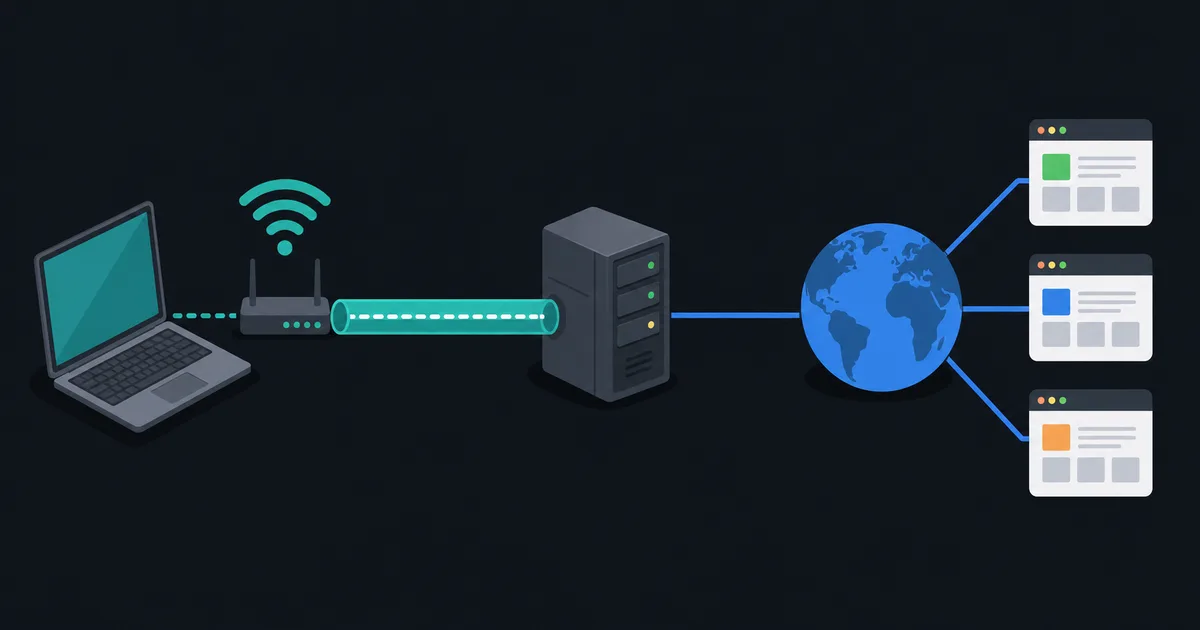
Split tunneling is a VPN configuration that sends some traffic through the encrypted VPN tunnel and sends other traffic directly through the normal internet connection. In a full-tunnel setup, most or all internet traffic uses the VPN; in a split-tunnel setup, routing rules make a deliberate exception.
It can improve access to local resources or reduce unnecessary VPN traffic, but it also changes which network sees a connection. Use it as a routing choice, not as a blanket privacy setting.
Full tunnel and split tunnel compared
With a full tunnel, the VPN becomes the normal route for internet-bound traffic. This is often the simpler choice when you want a consistent path for web traffic, DNS, and apps.
With split tunneling, a client may send only work-network destinations through a corporate VPN while ordinary web traffic uses the local connection. A personal VPN app may instead let a user exclude a streaming app or a local printer from the tunnel. The result depends on the exact rules the client creates.
Common ways split tunneling is implemented
Different VPN products use different mechanisms:
- App-based rules include or exclude traffic generated by selected applications.
- Destination-based rules send named networks or IP address ranges through a particular path.
- Route-based rules add more-specific routes that override the normal default route.
The same interface can hide important differences. An app exclusion may not cover helper processes, browser extensions, or traffic from a different device. A destination rule can change when an online service's addresses change. Check the product documentation rather than assuming every split-tunneling feature works the same way.
When split tunneling is useful
Split tunneling can be practical when a work VPN is needed only to reach internal services, while ordinary internet traffic should use the local connection. It can also help preserve access to local-network devices such as printers, media servers, or routers.
Performance may improve for traffic that does not need the VPN path, but that is not automatic. Wi-Fi quality, the destination, congestion, and latency can matter more than the extra tunnel hop.
The privacy and security tradeoffs
Traffic outside the VPN is visible to the normal access network in the ordinary way, and websites contacted directly see the normal public IP address. If your goal is to keep a particular app or destination inside the VPN, excluding it defeats that goal.
DNS needs attention too. If a split-tunnel configuration sends an app's traffic directly but its DNS request through a different resolver, the behavior may be surprising. IPv6 needs the same review: a rule designed only for IPv4 may not give the intended result on a dual-stack network. What Is DNS? and IPv4 vs IPv6 provide useful background.
Split tunneling and a kill switch
A kill switch blocks traffic when a VPN is unavailable; split tunneling intentionally allows some traffic outside it. When both features are enabled, decide which traffic is permitted to bypass the tunnel and whether that permission should remain during an outage.
Do not assume a kill switch turns every split-tunnel rule into a full tunnel. Test the behavior on the specific operating system and client you use. Our guide to What Is a Kill Switch? explains the failure-protection side.
A decision checklist
Before enabling split tunneling, ask:
- Which applications or destinations truly need the VPN?
- Which traffic is acceptable to send directly?
- Do local-network access, DNS, and IPv6 need separate rules?
- Is the configuration allowed by your organization or network policy?
- Have you tested the paths after reconnecting or changing networks?
For a managed work VPN, follow the organization's policy. Splitting traffic can affect monitoring, security controls, and access to internal resources.
The takeaway
Split tunneling is selective VPN routing. It can solve legitimate access and performance problems, but it creates two network paths with different privacy and security properties. Keep the rules narrow, understand DNS and IPv6 behavior, and test the client rather than relying on its label.