The short answer
Yes. Websites can often identify that a connection probably comes from a VPN, proxy, hosting provider, or other shared network. They do this primarily by checking the apparent public IP address and its network reputation, then combining that information with browser, device, account, and behavior signals.
VPN detection is not the same as identifying a person. A website may recognize a data-center IP or notice that many users share one address without learning your home IP address or proving who is behind the connection.
IP addresses are the first signal
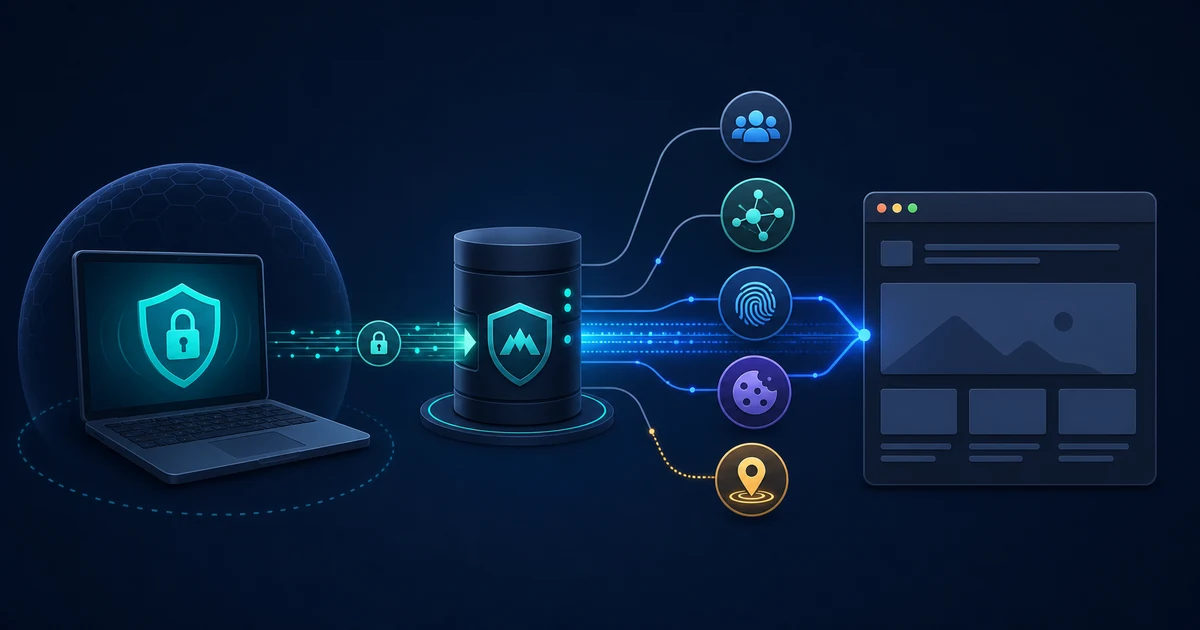
When your VPN is connected, a website usually sees the VPN server’s public IP address rather than the address assigned to your home or mobile connection. The site can look up information about that address, including its autonomous system, hosting organization, geographic registration, and history of abuse or automation.
Commercial VPN servers commonly use data-center address ranges and may serve many customers through the same public address. A site can therefore mark an address as likely VPN or proxy traffic, limit requests, show an extra verification step, or deny access altogether.
This is an inference based on network information. An address database can be wrong, a residential address can be shared, and a legitimate user can be caught by a rule intended to stop automated abuse.
Shared addresses create recognizable patterns
Many people using the same exit address can produce patterns that look different from a typical home connection. A website may see accounts from many locations, request rates that change quickly, or sign-in attempts that arrive from an address associated with a large provider.
Rotating servers and changing addresses do not guarantee that a site will accept the connection. Detection systems can use historical reputation, network ownership, behavior, and other signals rather than relying on one fixed list.
Browser and account signals add context
The VPN tunnel does not erase the information a browser or application intentionally gives a website. Depending on the service, that can include:
- Cookies and local storage from earlier visits.
- A signed-in account and its recovery or security history.
- Browser and device characteristics used for fraud prevention or personalization.
- Language, time zone, screen, and platform settings.
- Request timing, navigation behavior, and automation signals.
These signals can reveal that a visit is unusual or linked to an earlier session even when the public IP address changes. They do not necessarily reveal the original IP address. A website can recognize an account without knowing the physical network from which every request originated.
DNS, WebRTC, and IPv6 can expose mismatched paths
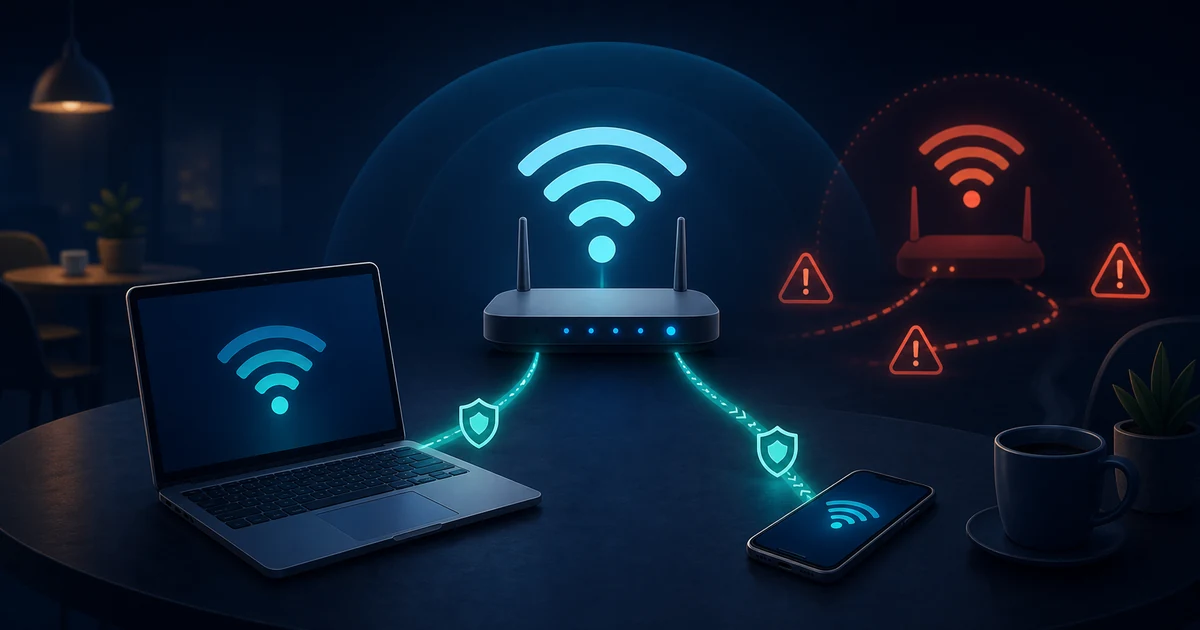
Some privacy problems are caused by traffic escaping the intended VPN route rather than by a website defeating the tunnel. A DNS configuration may send lookups through the ordinary network. An IPv6 connection may use a route the VPN does not cover. A browser feature or application may make a separate connection outside the VPN.
The exact behavior depends on the operating system, browser, VPN client, and network. A well-configured client should document its DNS and IPv6 behavior. Read What Is DNS?, What Is DNS over HTTPS?, and IPv4 vs IPv6 when checking for path mismatches.
Even when a leak reveals a network address, that does not automatically identify the individual using the device. It does mean the VPN is not covering the connection as intended and should be reconfigured or investigated.
Why a site might challenge or block you
VPN detection is often part of a broader abuse, fraud, licensing, or account-security system. A service may apply a challenge because a shared address has a poor reputation, because a login appears to come from an unexpected region, or because an automated request pattern is suspicious.
A challenge is not proof that the VPN is malicious. It is also not proof that the website is wrong: the site may be choosing to accept only connections that provide stronger location or account context. False positives are unavoidable when a system makes decisions from incomplete signals.
What a website cannot normally see through a working VPN
A website normally cannot read the encrypted traffic between your device and the VPN server. It receives the request that emerges from the VPN server, along with the application and browser information included in that request.
The site does not automatically gain access to your ISP’s view of the connection, your home router, or every device on your local network. If the destination uses HTTPS, the application session is also protected from networks between the browser and the site, including the VPN server, to the extent the browser validates the connection correctly.
The VPN provider is a separate trust point. It can observe the connection at the tunnel endpoint according to its software, service design, and policies. Can Your ISP See Your Traffic? explains how that differs from what the website sees.
Practical privacy steps
If your goal is to reduce unnecessary exposure rather than bypass a site’s rules:
- Use an up-to-date VPN client from a source you trust.
- Check DNS and IPv6 behavior so excluded traffic is intentional.
- Keep HTTPS enabled and stop when the browser shows a certificate warning.
- Review cookies, account sign-ins, and browser permissions.
- Avoid assuming that a new IP address creates a new identity.
- Respect a service’s terms when it blocks or challenges a VPN connection.
For a broader explanation of the tunnel and its limits, see What Is a VPN and How Does It Actually Work?.
The takeaway
Websites can often detect probable VPN use from IP ownership, address reputation, shared-traffic patterns, browser signals, and account context. They can infer that a connection is unusual or comes from a VPN without proving who the user is. A VPN changes the network address and protects the path to its server; it does not erase application-level identity or make every connection anonymous.